Android phone, tablet and Android TV
Download the APK and open it. If Android asks, allow your browser or file manager to install apps.
Free for Android phones and tablets, Android TV, Fire TV and Windows PCs. One app, the same playlists everywhere.
Download the APK and open it. If Android asks, allow your browser or file manager to install apps.
Install the free Downloader app, allow it to install apps, then type the code.
For Windows 10 and 11 (64-bit). Works with keyboard, mouse and remote; press F11 for full screen.
Coming to the Samsung TV app store.
Coming to the LG Content Store.
Coming to the App Store.
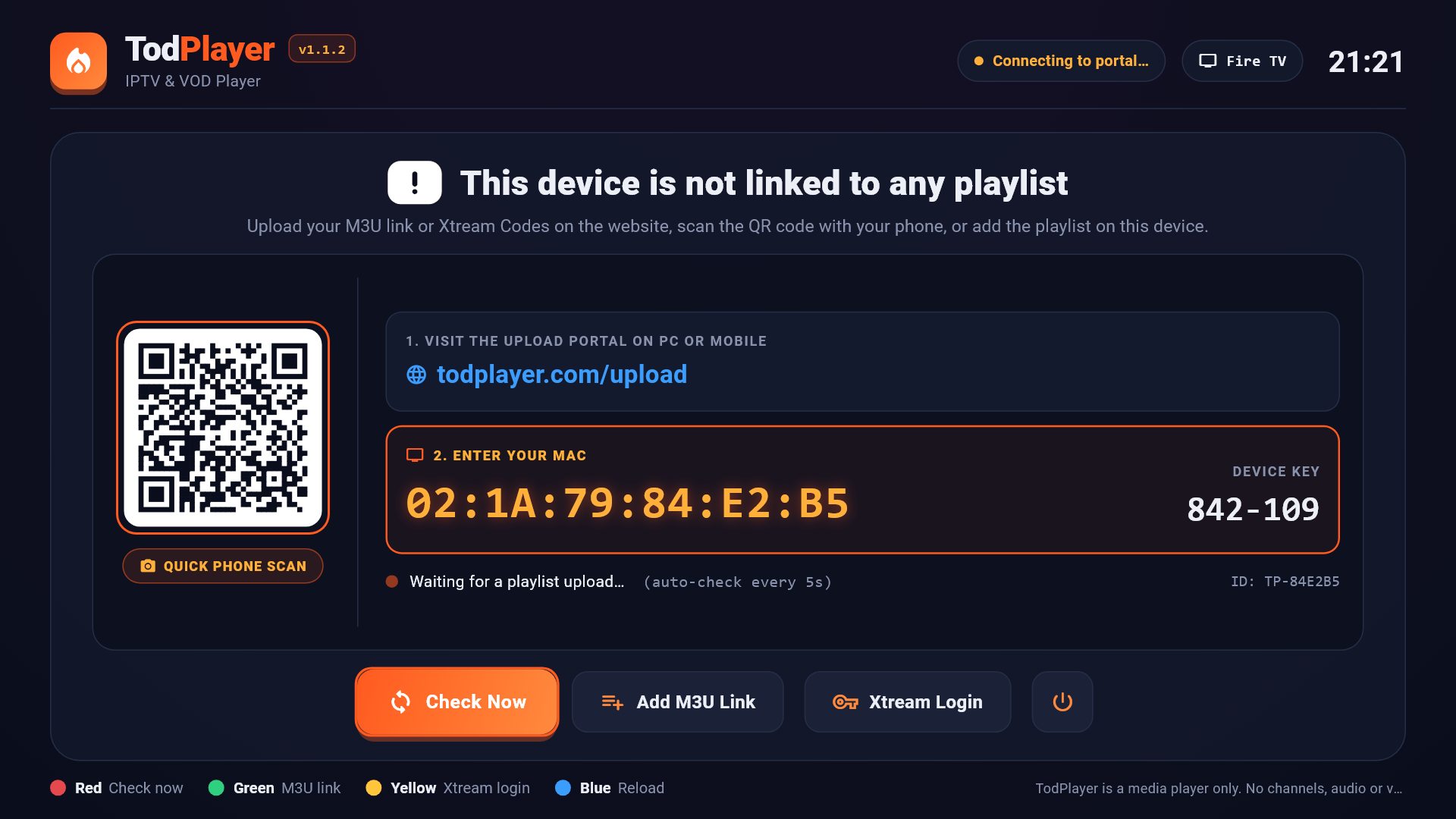
Type it on the device, or send it from your phone at todplayer.com/upload with the MAC address and key shown on the TV.